 FIBRE & WI-FI DIAGNOSTICS · MARRAKECH

Riad networks
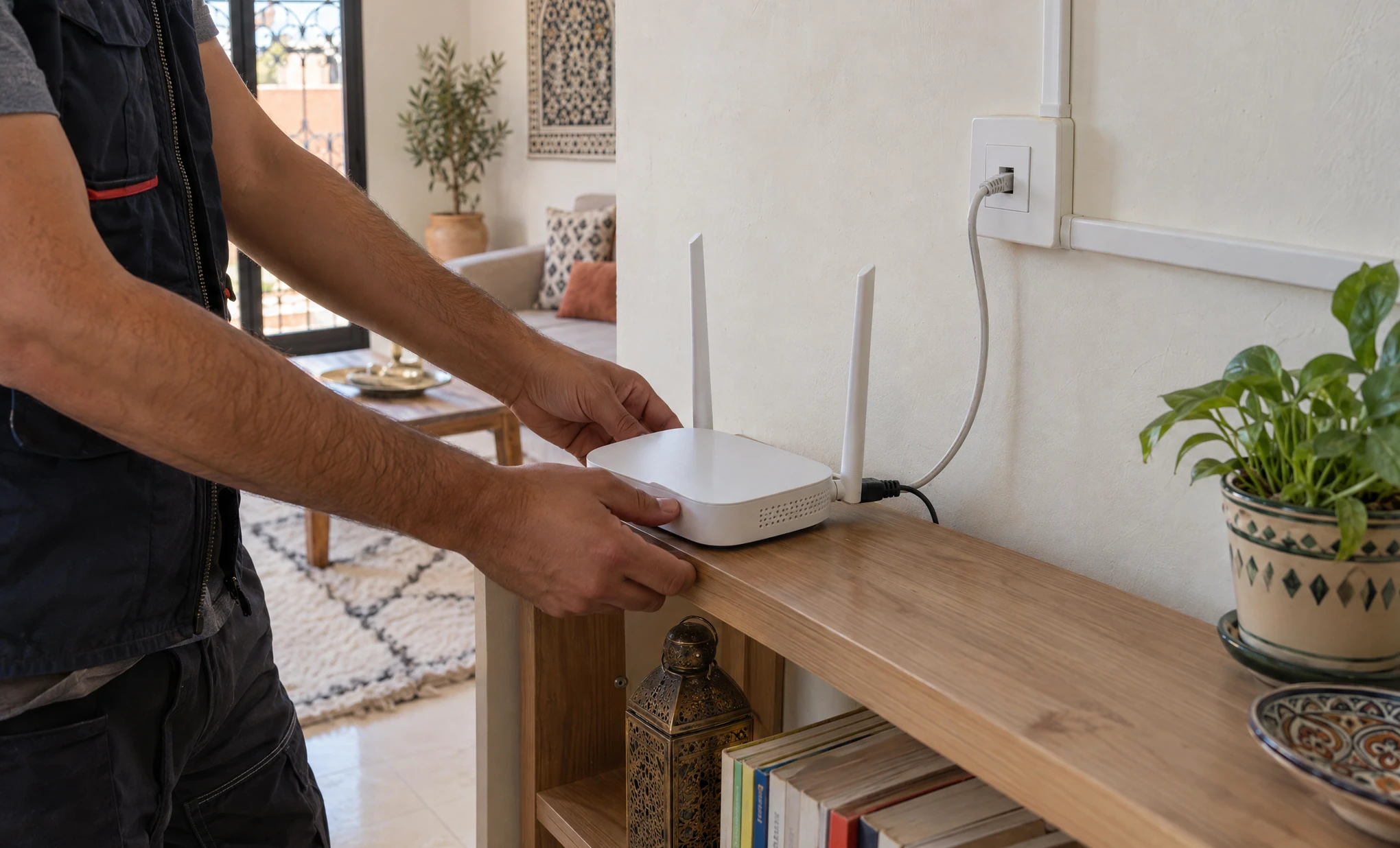
Wi-Fi repeater, mesh or access point: which should you choose for a riad in Marrakech?
Understand the differences between a repeater, Wi-Fi mesh and an access point, and choose based on your Marrakech riad’s layout.
Read the guide →Practical guides · Marrakech & surrounding area
Practical guidance to understand a slow connection, improve coverage in a riad’s bedrooms, and prepare for an at-home diagnosis.
Our articles are for owners and managers of riads, hotels, guesthouses and homes in Marrakech. They help you assess the indoor installation, but do not replace the manufacturer's instructions or the operator's work on its external network.
Riad networks
Understand the differences between a repeater, Wi-Fi mesh and an access point, and choose based on your Marrakech riad’s layout.
Read the guide →Restaurants and cafés
Slow or inconsistent Wi-Fi in your Marrakech restaurant or café? Learn common causes and practical internal-network options suited to your space.
Read the guideRestaurants and cafés
Practical steps to understand Wi-Fi dropouts or a connected-without-internet message in a Marrakech restaurant or café, without disturbing the installation.
Read the guideRestaurants and cafés
Practical steps to record peak-time Wi-Fi issues, compare conditions without assuming the cause, and prepare useful information for a technician.
Read the guideFibre optic
Check the PTO, ONT, sockets and cable route before moving your fibre router to another room. Indoor diagnostic advice in Marrakech.
Read the guideFibre optic
Locate the PTO box in your home without taking it apart, distinguish it from the router, and ask the operator to confirm address eligibility or activation.
Read the guideFibre optic
What should you do if a fibre cable is bent, trapped or pinched? Signs to note, actions to avoid and useful information to pass on.
Read the guideHome networking
Ethernet speed limited to 100 Mbps through a wall RJ45 socket? Compare cables, ports and devices before concluding that the internal wiring is at fault.
Read the guideWi-Fi
Does a phone join Wi-Fi but still fail to reach the internet? Compare devices to distinguish a local problem from a missing internet connection.
Read the guideFibre optic
When dropouts are frequent in Marrakech, check whether the router actually restarts and record the indicator lights, times and affected devices.
Read the guideFibre Optics
Learn what a dBm reading at the PTO can tell you—and why it neither guarantees internet speed nor locates an outside fault.
Read the guideFibre optic
After installation, check the visible equipment and connections, note the indicator lights and ask your operator to confirm activation.
Read the guideRiad networks
A practical way to tell the difference between a poorly covered area and a connection problem, and to prepare useful tests in a riad or guesthouse.
Read the guideWi-Fi
A few simple checks can help pinpoint the symptom: whether it affects one device, one room, the Wi-Fi, or the home's entire internet connection.
Read the guideRiad networks
Before adding equipment, check whether a more open, central location could bring the network closer to the rooms you use.
Read the guideRiad networks
Mesh can help improve coverage in some areas, but first identify the problem and choose suitable locations for the units.
Read the guideFiber optics
Indicator lights are clues, not a complete diagnosis. Here's what to look for and report without handling the fiber-optic connector or the provider's equipment.
Read the guidePreparing for a service visit
Observations, photos, and information to gather before an in-home diagnostic of your fiber connection, router, or Wi-Fi.
Read the guideRiad networks
Practical management guidelines for providing clear guest access without confusing the customer network, management equipment, and connection diagnostics.
Read the guideReview the information to gather and the scope of the service before making a request.
Read the Help page